Optimized Checkout UX
Erin Condren's checkout was four separate pages with no meaningful updates in years. Leadership couldn't easily track step-level performance, and a UX audit revealed additional friction worth solving.
My Role
End-to-end Product Designer
Result
New accessible design system, reduced bounce rates, improved data reporting.
Problem
Messy data reporting, inconsistent UI, glaring accessibility issues.
What Wasn't Working
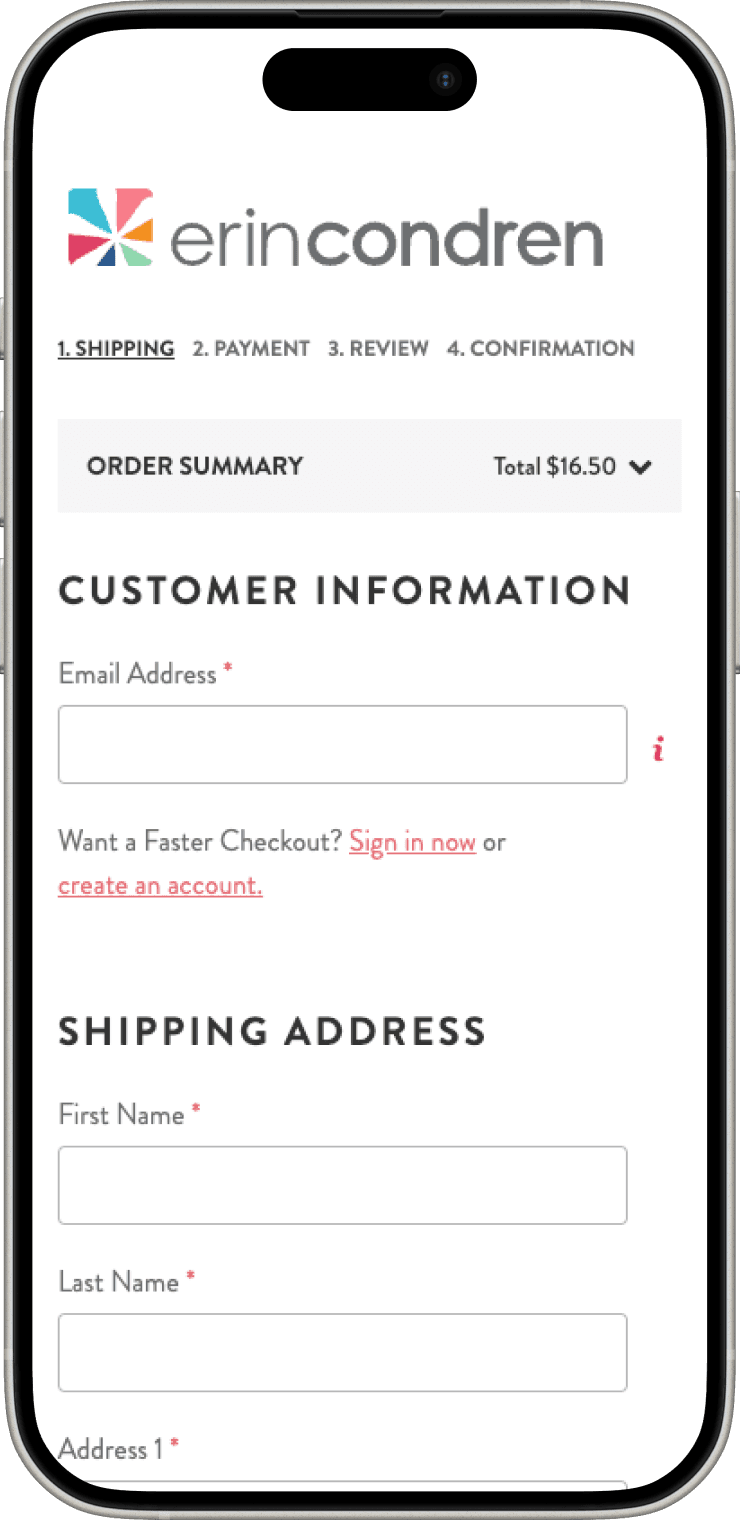
Conversion Drop Off
The four-page flow created natural exit points, with the sharpest drop-off happening at the shipping step.
Lack of Design System
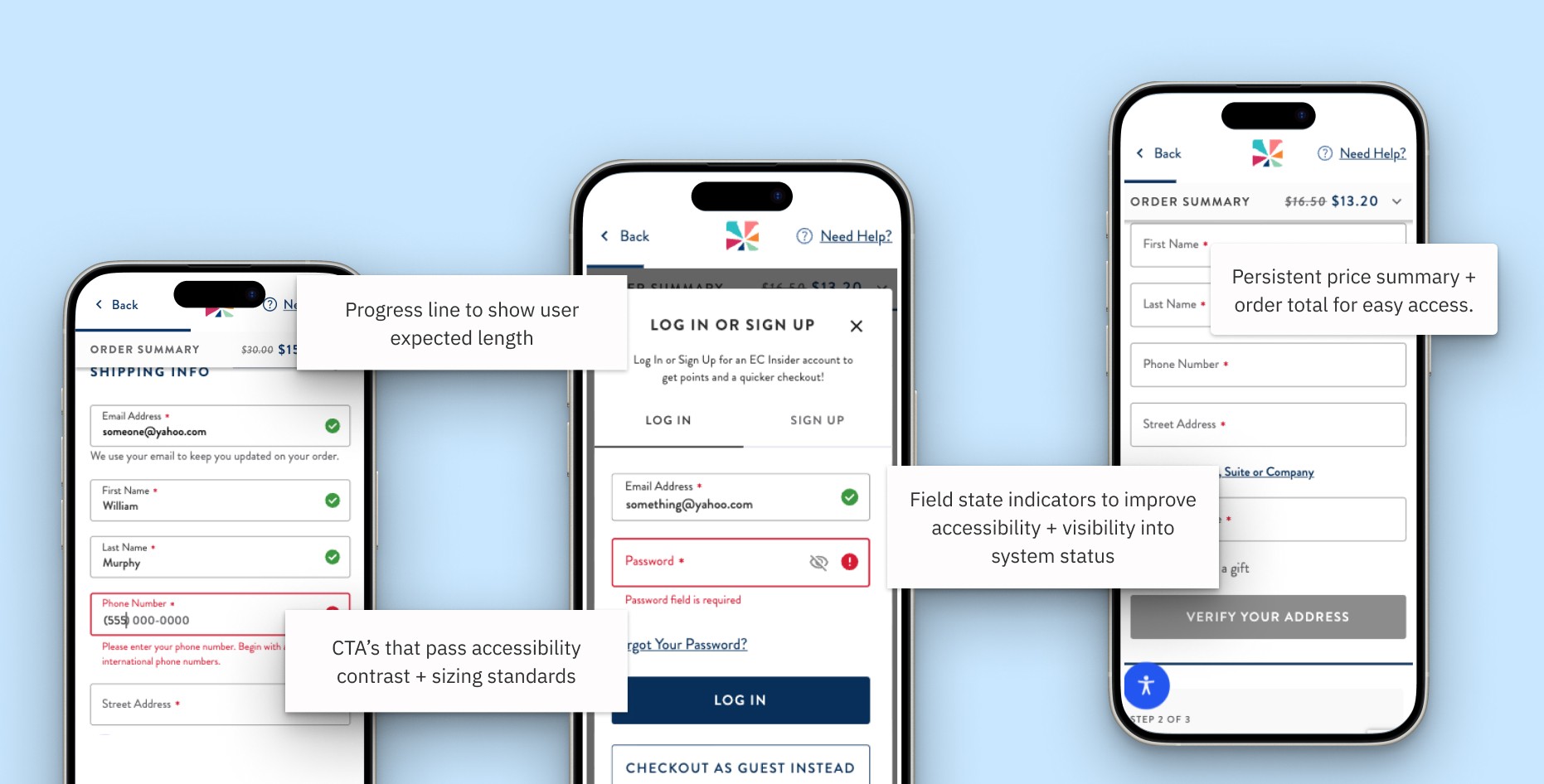
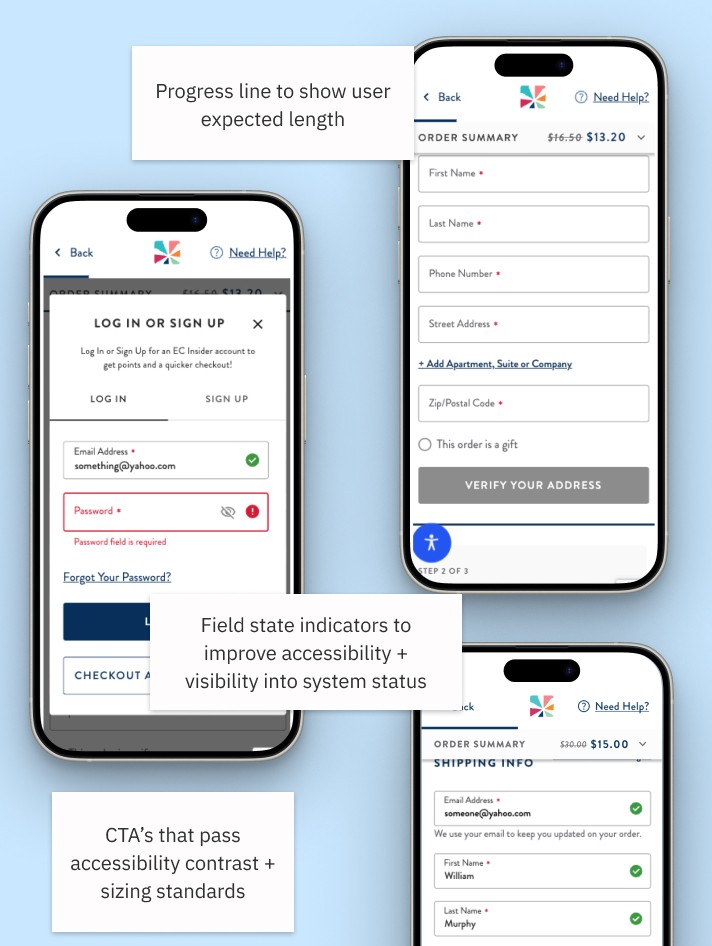
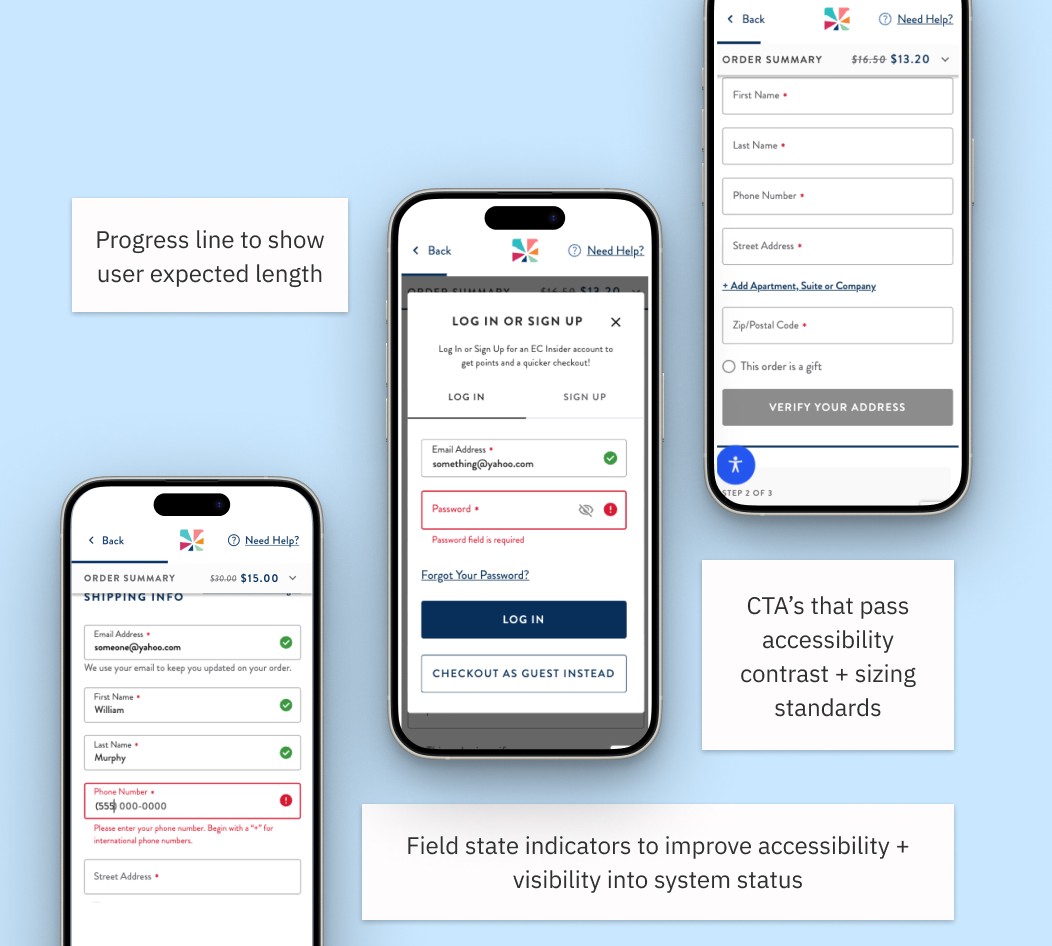
Inconsistent field states, poor contrast, and undersized touch targets made the experience feel unpolished and created accessibility gaps.
Reporting Blind Spots
The old architecture made it hard for leadership to track step-level performance, so issues were hard to catch and act on quickly.
What I Did
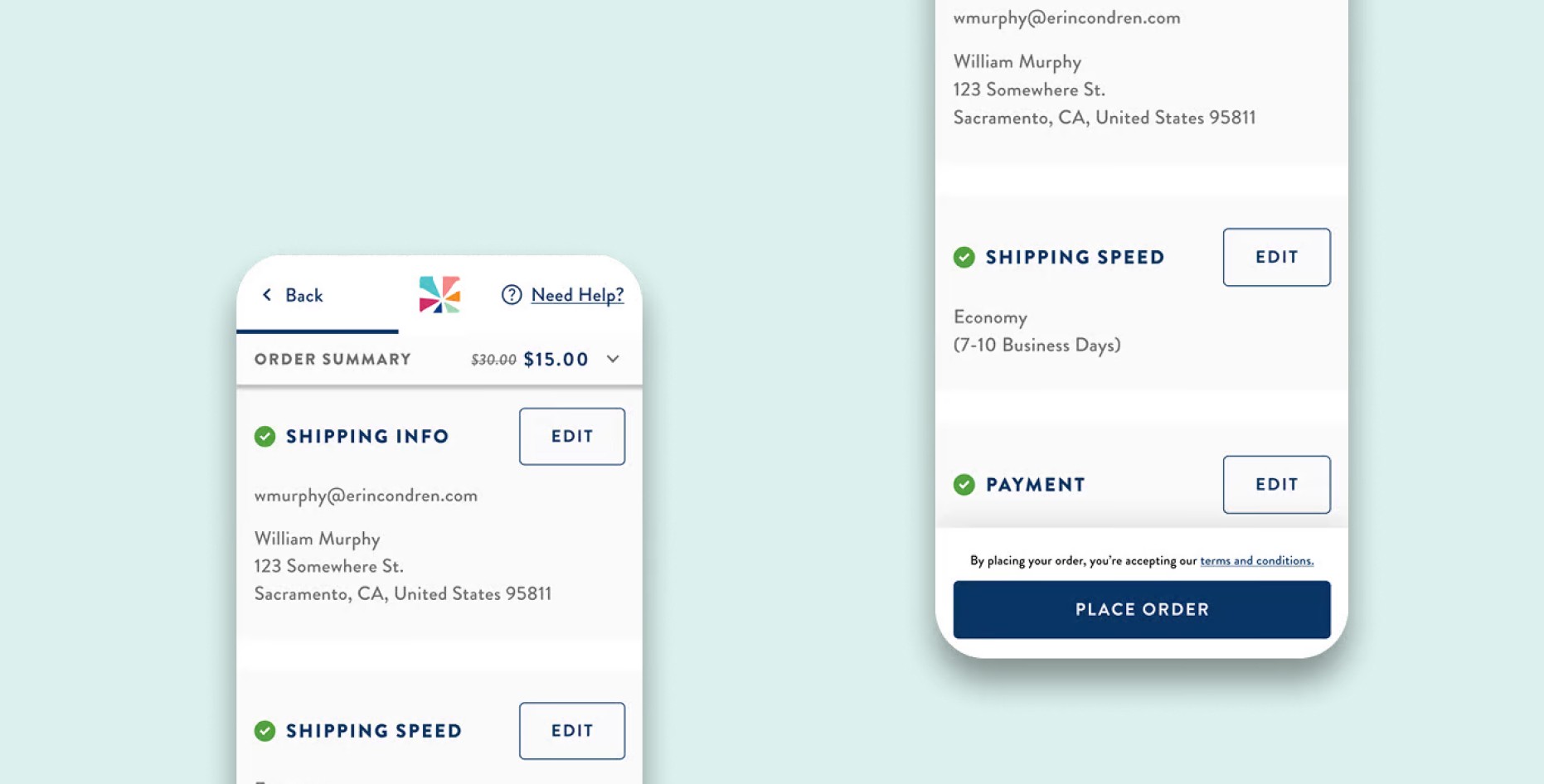
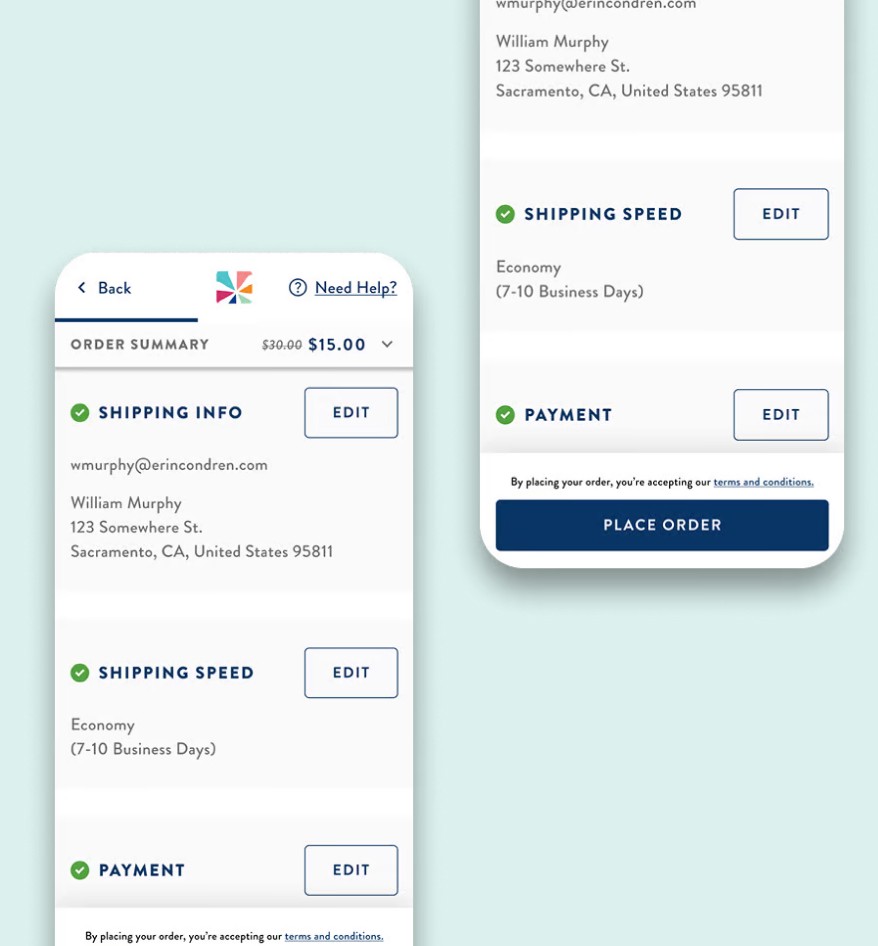
Consolidated the flow. Four pages became one, with a sticky Place Order CTA and a removed review step that was just duplicating what users already confirmed.
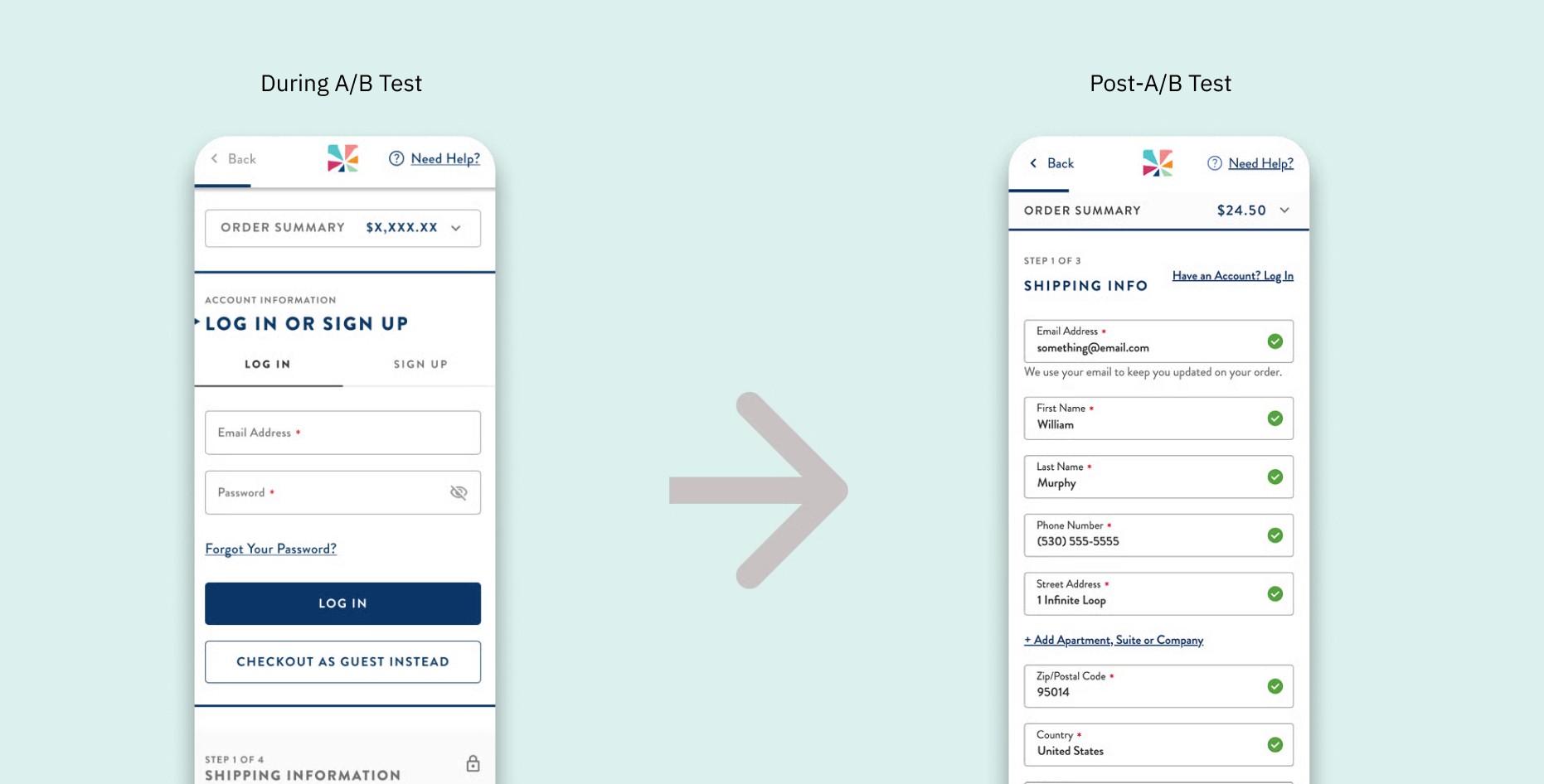
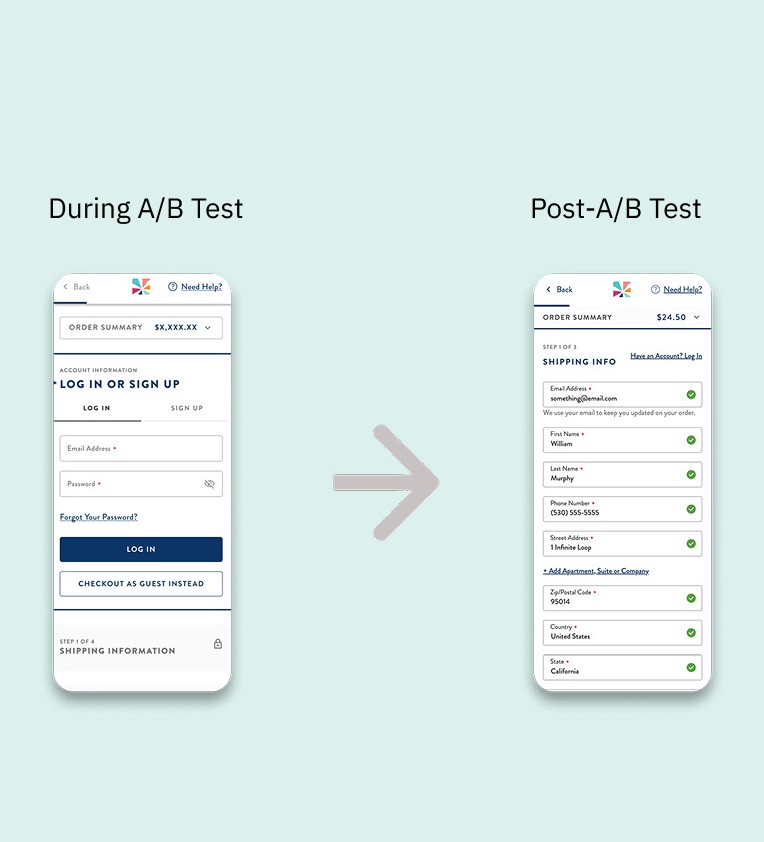
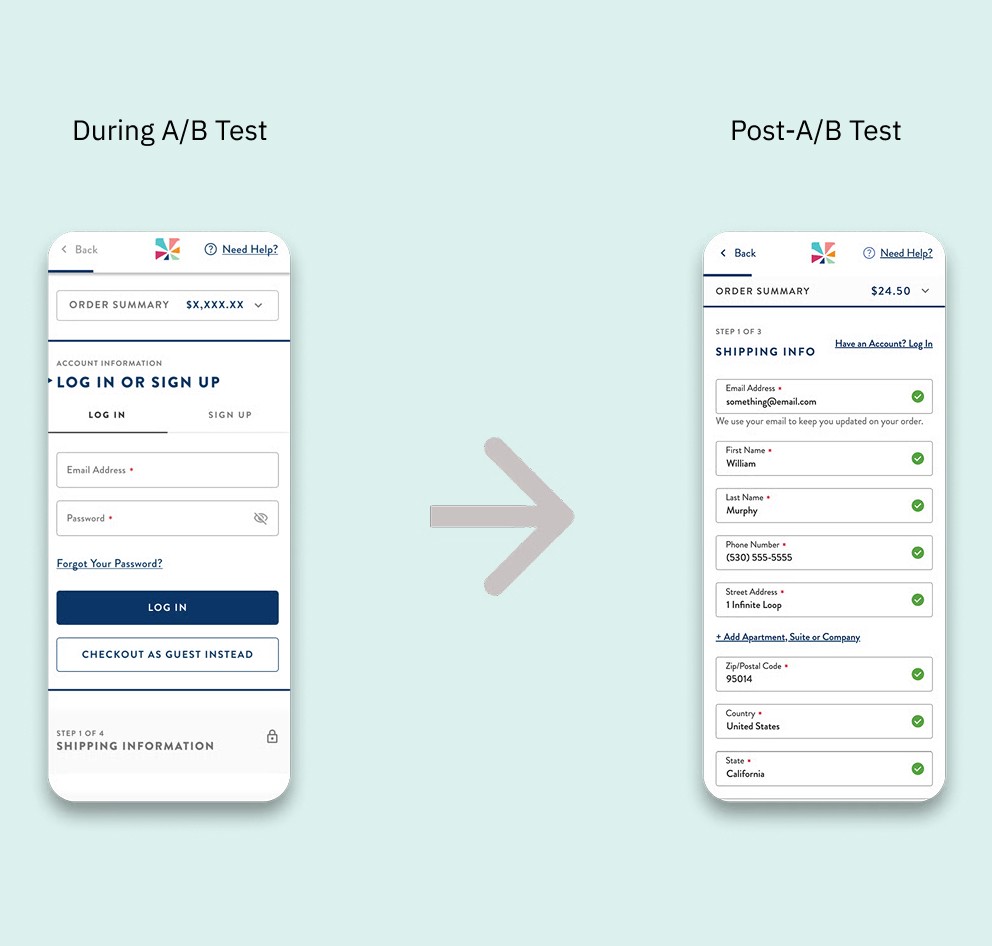
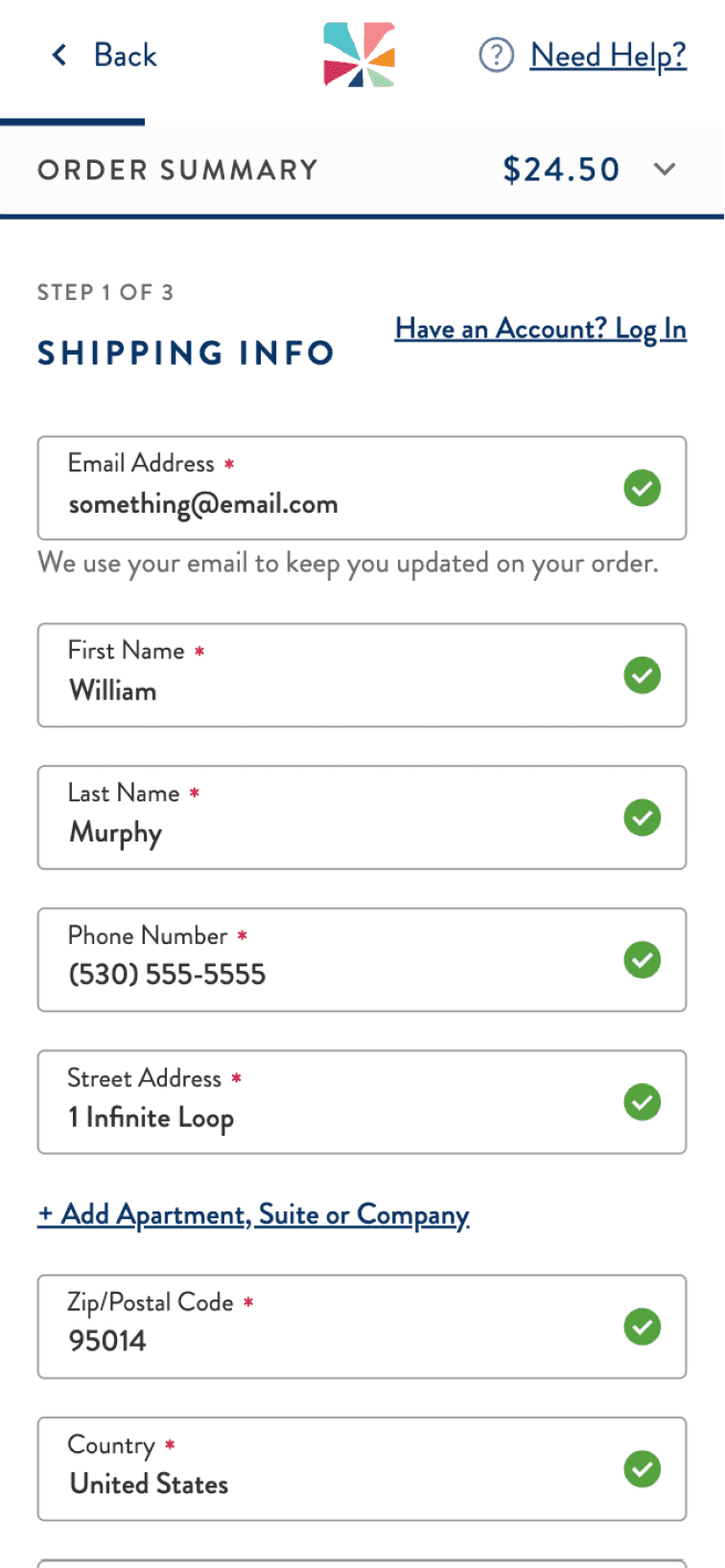
Removed the login bottleneck. Moved sign-in to a subtle link, getting users straight to shipping info step.
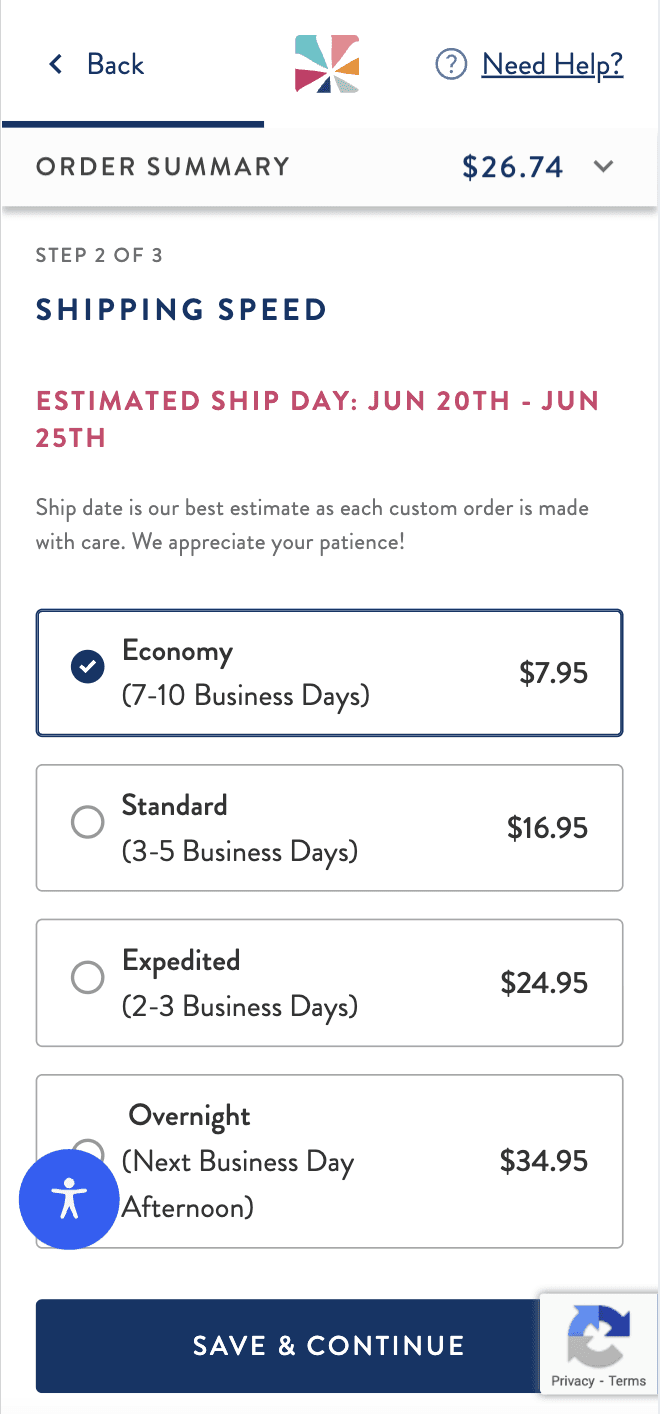
Built a mobile-first design system. Inline validation, masked fields, accessible states, and proper contrast. Built to scale across the site post-launch.
Ran two rounds of usability testing. Wireframe and coded prototype. Surfaced real friction points and resolved them within actual engineering constraints.
Responding to Data
Thirty days in, the A/B test showed conversion softness at shipping. I analyzed the friction points and made targeted changes: simplified visual hierarchy, removed over-stylized elements, eliminated the redundant review step, and added the sticky CTA. The updated experience recovered and outperformed the control.